
Read anything
Drop in papers, preprints, notes, datasets or a web link. qevora pulls the text out of PDFs and scanned pages on your Mac, so a scan with no text layer still becomes something you can search, quote and cite.

Version 0.1.2 · for macOS
Your sources, your AI agent, your code and your writing in one native Mac app. Built for research that has to hold up.
Coming soon
Sources, conversation, computation and writing sit side by side, so the evidence behind a result is never more than a click away.
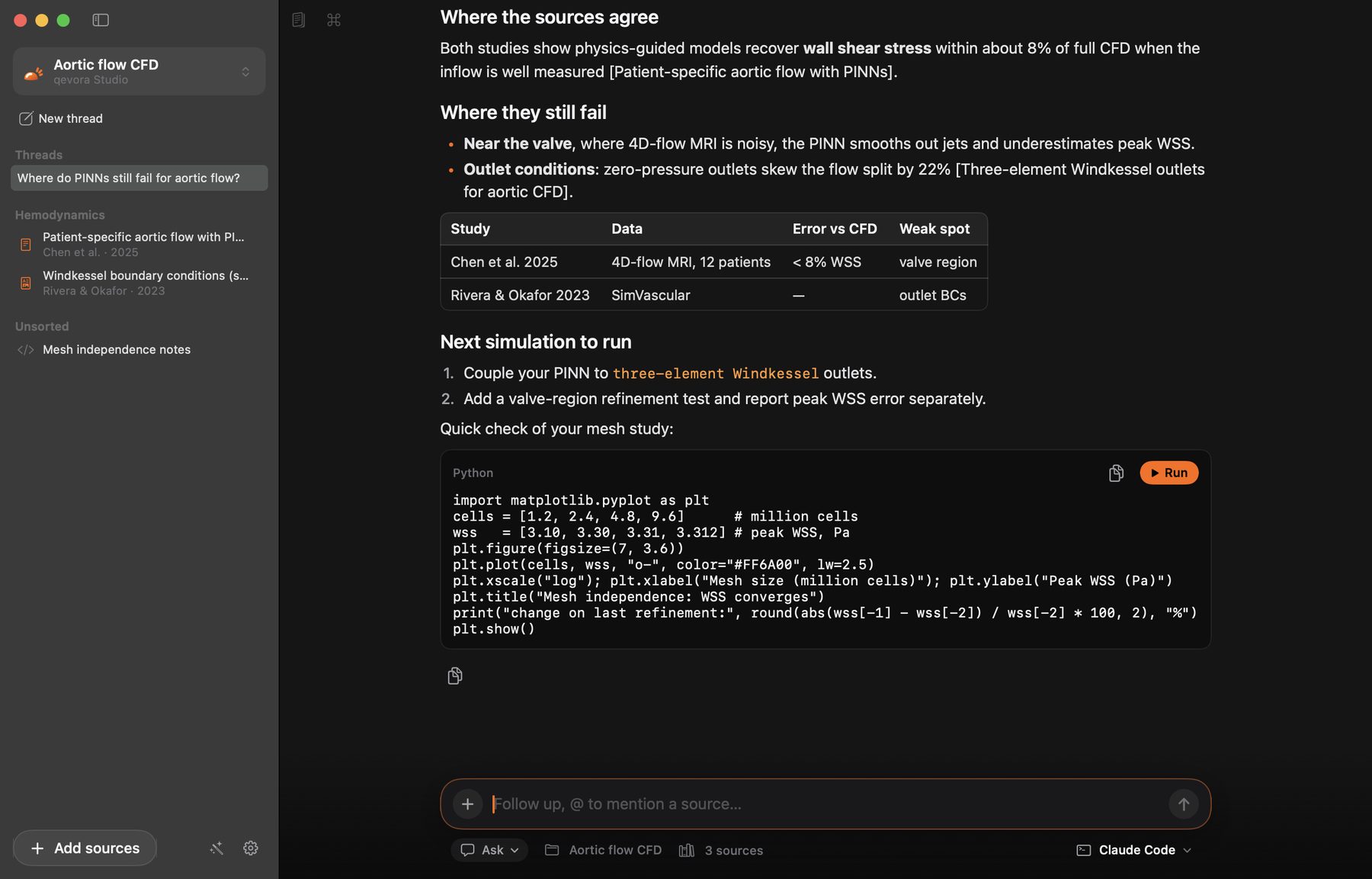
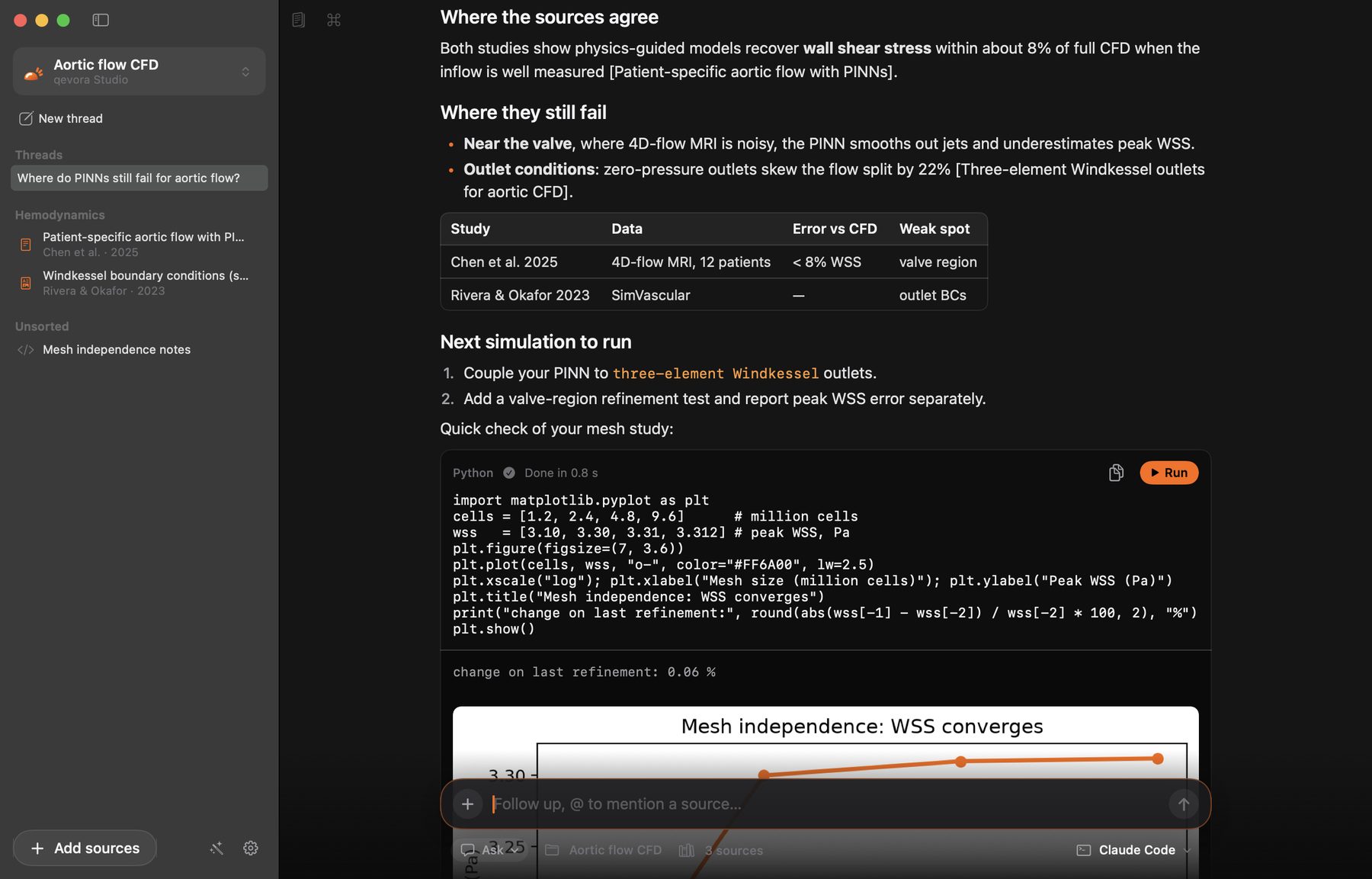
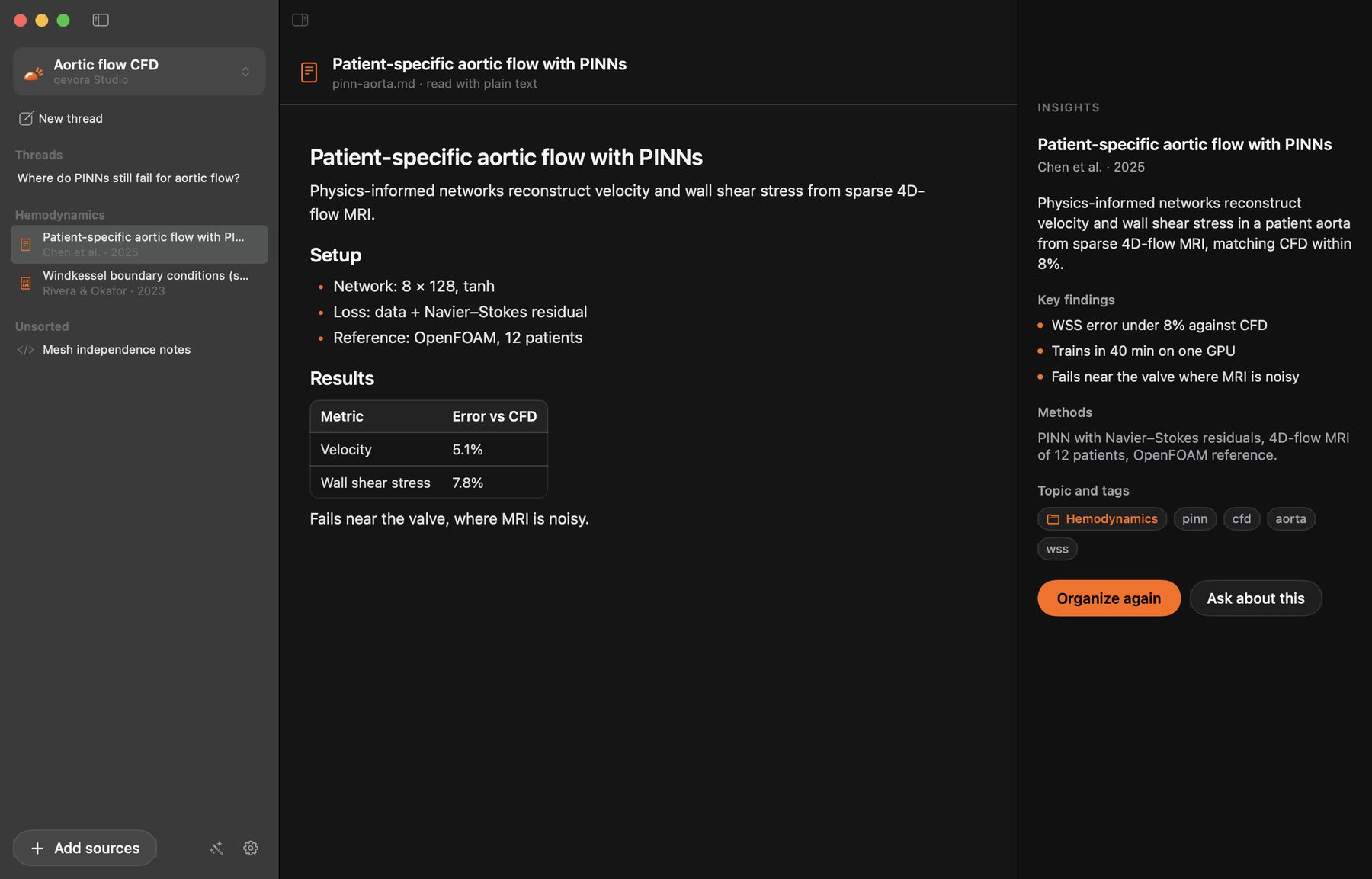
Screens show a sample project included with the app.
Six things a research project keeps needing, built to work together rather than in six separate apps.
Drop in papers, preprints, notes, datasets or a web link. qevora pulls the text out of PDFs and scanned pages on your Mac, so a scan with no text layer still becomes something you can search, quote and cite.
Claude, GPT, Gemini, a local model, or the command-line agent you already use. Keys live in your Mac’s Keychain and each request goes only to the provider it belongs to. Switch models mid-conversation.
A Python notebook with a live session: variables persist between cells, plots appear inline, and a panel lists every DataFrame and array with its shape. Any code block in an answer can be run or sent straight to the notebook.
Every source in one table: methods, findings, sample size, limitations, and any column you invent. The agent fills it across your whole library, and the table exports to CSV or BibTeX.
Verify a reference against Crossref and the official record replaces whatever was guessed. Copy it as APA 7, IEEE, Vancouver, MLA 9 or BibTeX.
Drafting structures for a paper, abstract, poster, proposal or lab report, filled from your own sources with citations, and marked [citation needed] wherever the library does not cover a claim.
The app itself is small. What it talks to is up to you.
qevora Studio is a native app built with SwiftUI for recent macOS releases.
Around 8 GB of memory is comfortable; large OCR jobs benefit from more.
An API key from Anthropic, OpenAI or Google, an OpenRouter sign-in, a local Ollama model, or a command-line agent you already have installed.
Needed for notebook cells. A conda or venv environment with NumPy, pandas, SciPy, scikit-learn and matplotlib covers most research work.
Detected automatically if installed, for code cells in those languages.
Any OpenAI-compatible vision endpoint, for reading large scanned archives faster than on-device OCR.
Your library, your keys and your code stay on your Mac. qevora runs no server of its own: requests go straight to the provider you chose.
qevora Studio is research software, not a medical device, and nothing it produces is medical, clinical, financial or legal advice.
We’re looking for researchers to try qevora Studio on real work and tell us where it breaks.